Article
Feb 6, 2026
The Lobster in Your Laptop: Why OpenClaw is the Hype
OpenClaw (the software with the identity crisis) is the tech world's latest obsession. It is an "autonomous agent," which means instead of just chatting with you, it actually uses your computer to execute tasks—like a digital intern with access to your mouse and keyboard. The Dream: An AI that organizes your files, buys your groceries, and clears your inbox while you nap. The Catch: Right now, it requires serious coding skills to set up without breaking things. The Fix: If you don't speak "Python," skip the complex install. Use user-friendly tools like Gemini or ChatGPT to get the "personal assistant" vibes without needing a computer science degree.
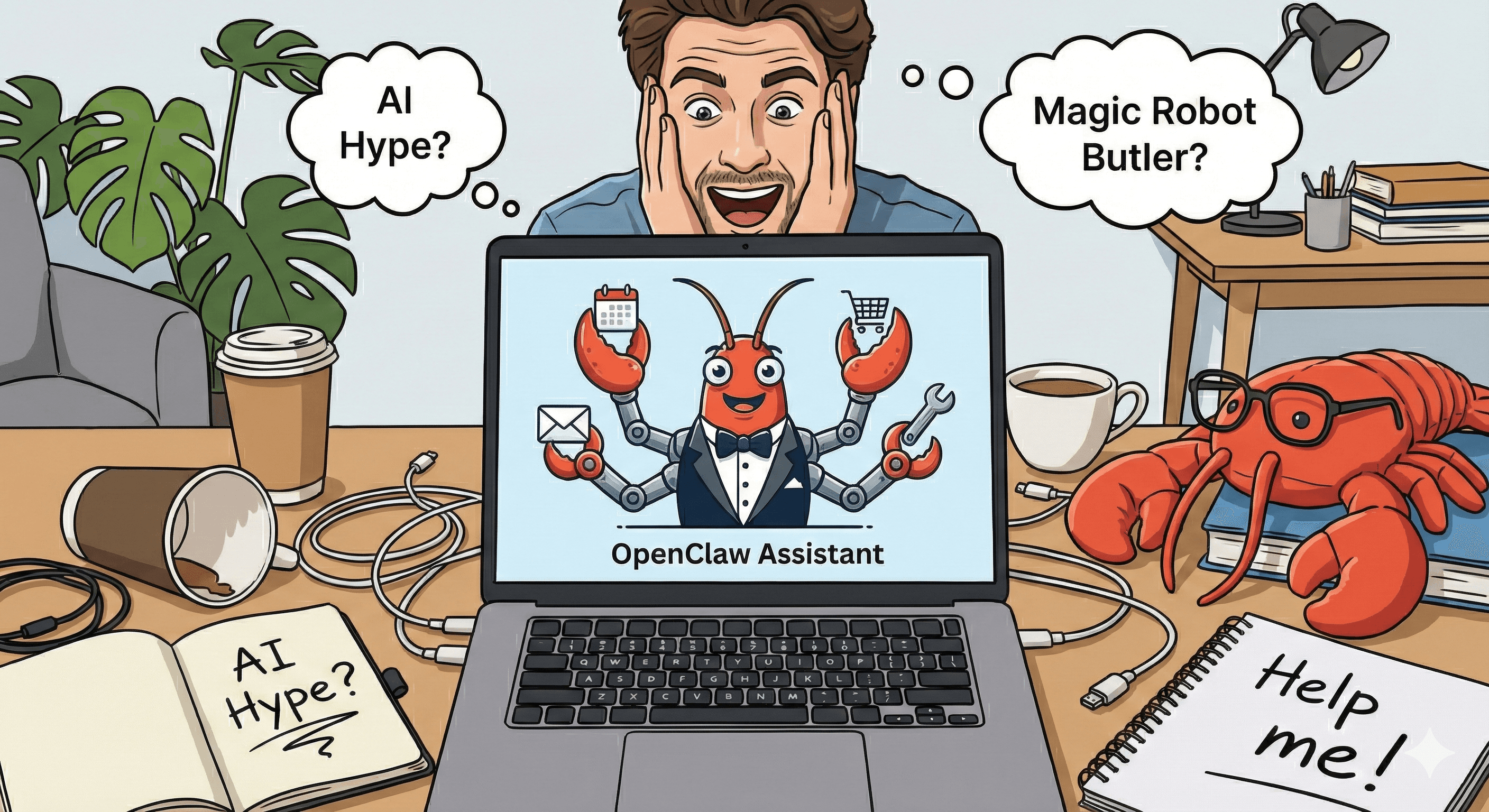
Have you heard the whispering in the dark corners of the internet? The tech bros are hyperventilating again. But this time, it’s not about crypto or a monkey picture worth millions. It’s about a lobster.
Specifically, a piece of software called OpenClaw (formerly known as Clawdbot, then Moltbot, then… look, the name changes more often than a celebrity’s hair color, but let’s stick with OpenClaw).
If your Twitter timeline is full of people screaming "AGENTS ARE HERE," and you’re just sitting there wondering if you should care, this post is for you. Let’s break down the hype, why you desperately need an AI sidekick, and how to get one even if you think "Python" is just a scary snake.
🦞 What in the World is OpenClaw?
Imagine if ChatGPT didn’t just talk to you, but actually had digital "hands."
That’s the OpenClaw promise. It’s an "autonomous agent."
ChatGPT/Gemini: You ask for a recipe, it gives you text. You still have to buy the groceries.
OpenClaw: You ask for a recipe, and it opens your browser, logs into Instacart, adds the ingredients to your cart, and emails your spouse to say dinner is at 7 PM.
It lives on your computer (locally), it remembers everything (which is both cool and terrifying), and it’s open-source. The hype is massive because it feels like the first time AI isn't just a chat box—it’s a digital employee.
The Funny Part: The creator (Peter Steinberger) had to rename it three times in two weeks because of trademark issues with Anthropic (the makers of Claude). It’s been a soap opera. But the tech world loves it because it makes them feel like Tony Stark building Jarvis.
Why You Should Think About Having an AI Assistant (Even if You Hate Tech)
Look, I get it. You don’t need another app to nag you. But an AI assistant isn't a nag; it’s a force multiplier for your laziness. And I mean that as a compliment.
Here is why you should jump on the bandwagon:
1. The "I Don't Want To Read This" Button
You get an email that is 14 paragraphs long. It could be summarized in one sentence: "Meeting moved to Tuesday." An AI assistant reads the boring stuff so you don't have to. It protects your sanity.
2. The "Digital Bouncer"
Imagine an assistant that filters your notifications. "Hey boss, your mom texted, but it’s just a Minion meme. I archived it. But your boss emailed about the deadline—I put that in red."
3. The Brain Extension
We all have "Goldfish Brain." You have a brilliant idea in the shower, and by the time you dry off, it’s gone. With an always-on AI, you just mutter, "Remind me to invent edible staplers," and it’s saved forever.
4. It Doesn't Judge You
You can ask an AI, "How do I boil water?" or "Who is the guy in the movie with the face?" and it will never roll its eyes at you. It is the supportive friend you always wanted.
🛑 The Problem: OpenClaw is for Nerds (Affectionate)
Here is the cold water bucket.
As cool as OpenClaw is, right now it is technical. You need to know things like "terminal," "API keys," and "Docker." If you set it up wrong, you might accidentally give a robot permission to delete your entire hard drive or email your boss your draft resignation letter.
It’s powerful, but it’s like giving a toddler a chainsaw. Exciting, but dangerous.
"But I’m not technical! I just want the magic robot butler!"
Don't worry. I got you.
✅ The "I Have a Life" Options (Non-Technical Alternatives)
You can get 80% of the OpenClaw magic with 0% of the coding headache. Here is your starter pack for the "No-Code" AI lifestyle:
1. The Big Three (The Safe Bets)
Gemini (Google): Deeply integrated into Google Workspace. If you live in Gmail and Google Docs, this is your best friend. It can summarize your emails and draft replies without you installing weird code.
ChatGPT (OpenAI): The classic. It now has a "memory" feature so it remembers you hate cilantro. It can browse the web and acts very much like a personal assistant if you download the phone app.
Claude (Anthropic): The brainy one. Great for writing and thinking through complex problems. It’s less "do tasks on my computer" and more "help me think smarter."
2. The "Agent" Apps (The Middle Ground)
If you want that "agent" feel (where it actually DOES stuff for you) but can't code:
MultiOn: An app that browses the web for you. You tell it "Book me a table at a sushi place for Friday," and it actually goes to OpenTable and clicks the buttons.
Lindy.ai / Saner.ai: These are marketed as "AI employees." They handle calendar scheduling, email sorting, and basic tasks with a nice, friendly interface.
🚀 The Bottom Line
The OpenClaw hype is real because it shows us the future: a world where computers do the work for us, not just with us.
But you don’t need to be a hacker to enjoy the revolution. Start small. Download the Gemini or ChatGPT app, put it on your home screen, and start treating it like an intern.
Next Step for You:
Go to your current AI chat app and try this prompt today: "Act as my executive assistant. Here is a messy list of things I need to do: [paste your list]. Please prioritize them, tell me which ones I can ignore, and draft a polite email canceling the ones I don't want to do."
Welcome to the future. The water's warm (and the lobsters are friendly).